RAW camera and photo editor · for iPhone
Light,printed.
Rich, print-style photos from the camera. Shot in RAW, never overwritten.
- $2.99 once · coming soon
- iOS 26+
- No subscription
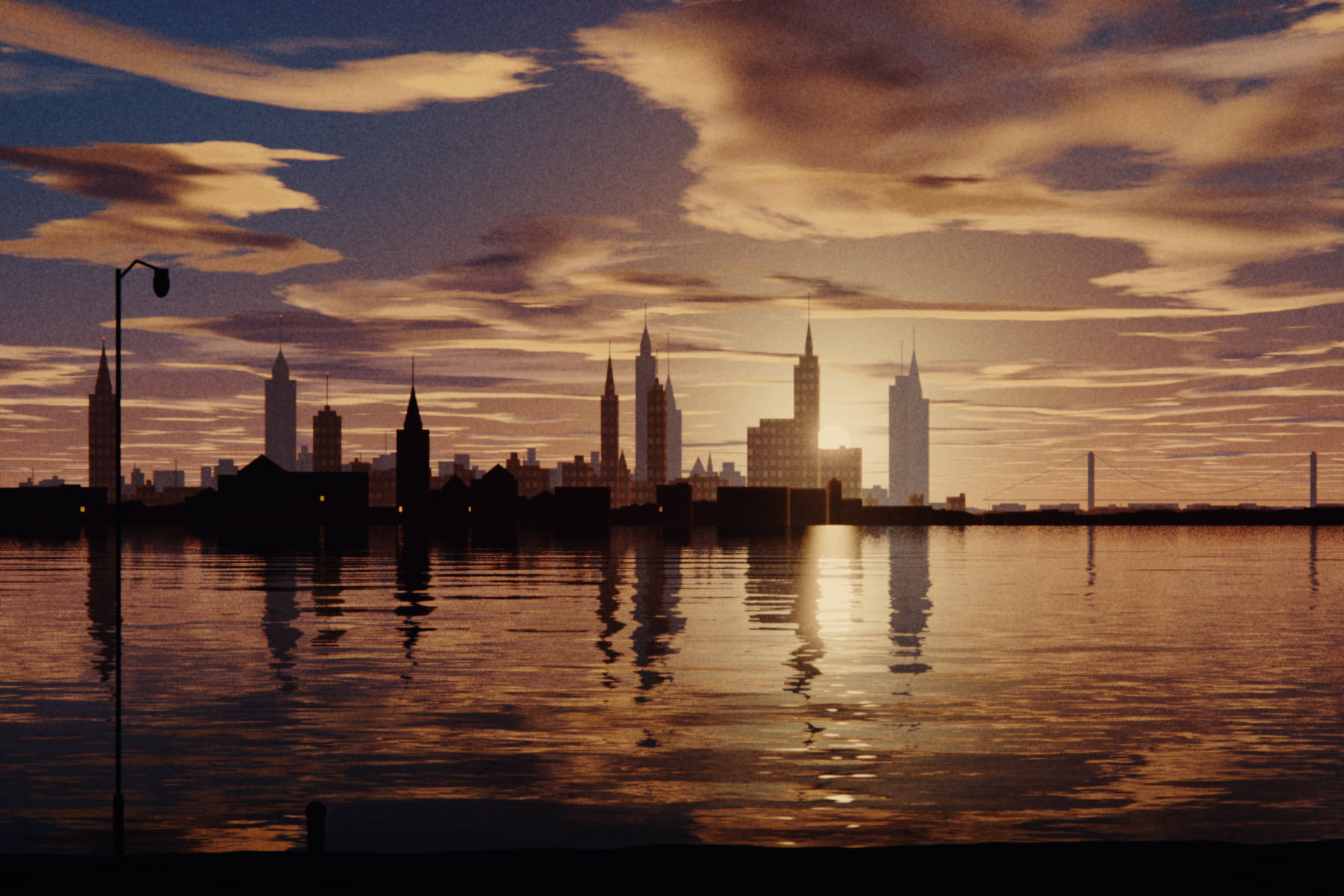
A phone photo is a decision someone else made for you. Printlight gives it back. Shoot in RAW, see the look live in the viewfinder, and keep the original forever.
01 · Shoot
See the lookbefore you shoot.
The look runs live in the viewfinder, so you can chase the light that makes it work.
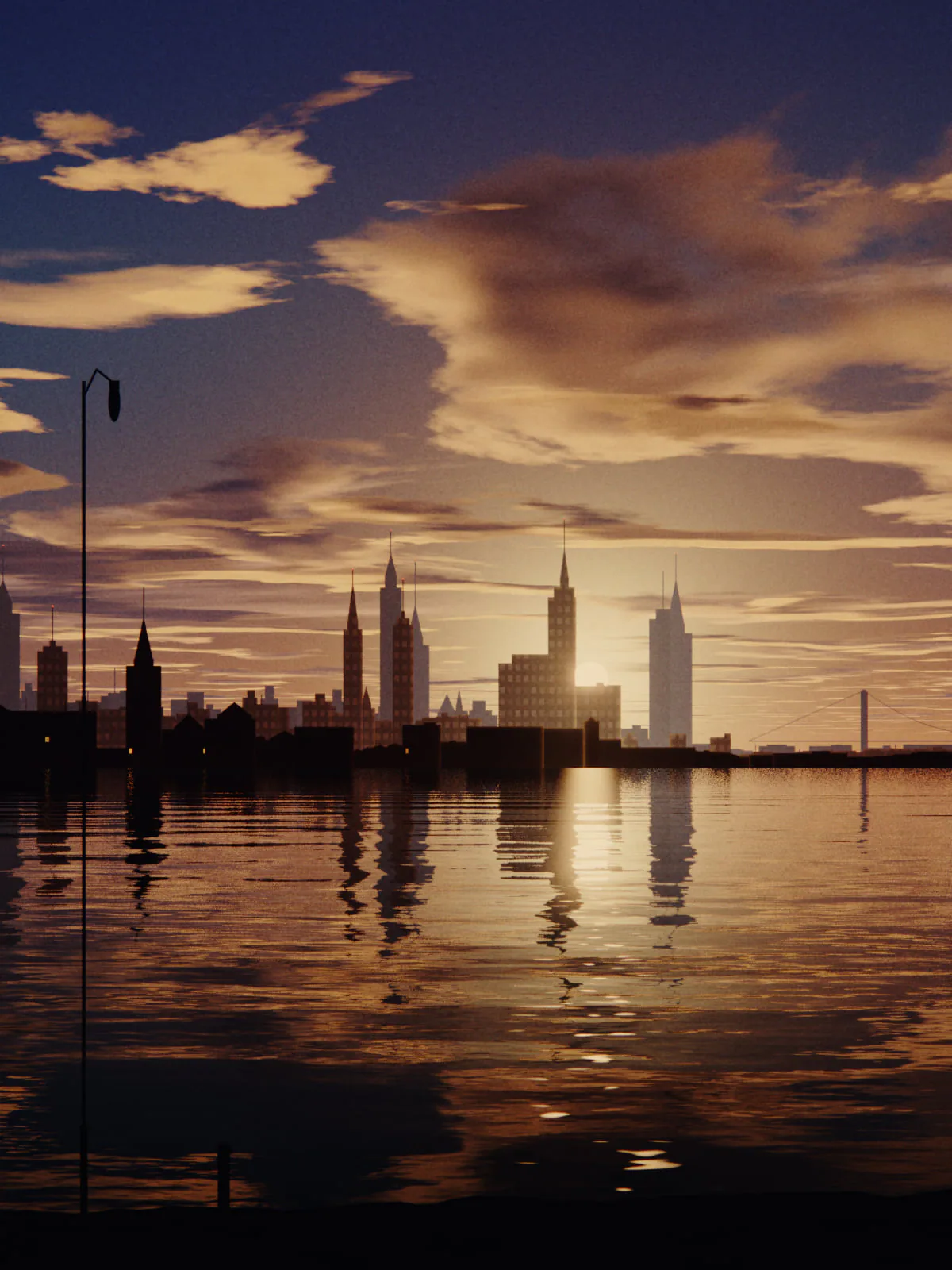
Live demo · drag the dial, tap the frame
- 01 / 04
The look runs live.
Frame with the look already on. Flip to Flat to compare.
- 02 / 04
Manual, on a real dial.
EV, ISO, shutter, white balance and focus. Histogram, peaking, level and grid.
- 03 / 04
Every lens. Real RAW.
Ultra-wide to tele in ProRAW or RAW. Camera Control on iPhone 16 and later.
- 04 / 04
One shot, two files.
Every shot saves an untouched RAW and a first print.
- Live histogramLevelGridFocus peakingHighlight warningAE/AF lockTimerSteady shutterCamera Control
02 · Looks
Eight looks.One negative.
Drag to compare. Hold to see the original. Turn the dial to blend.
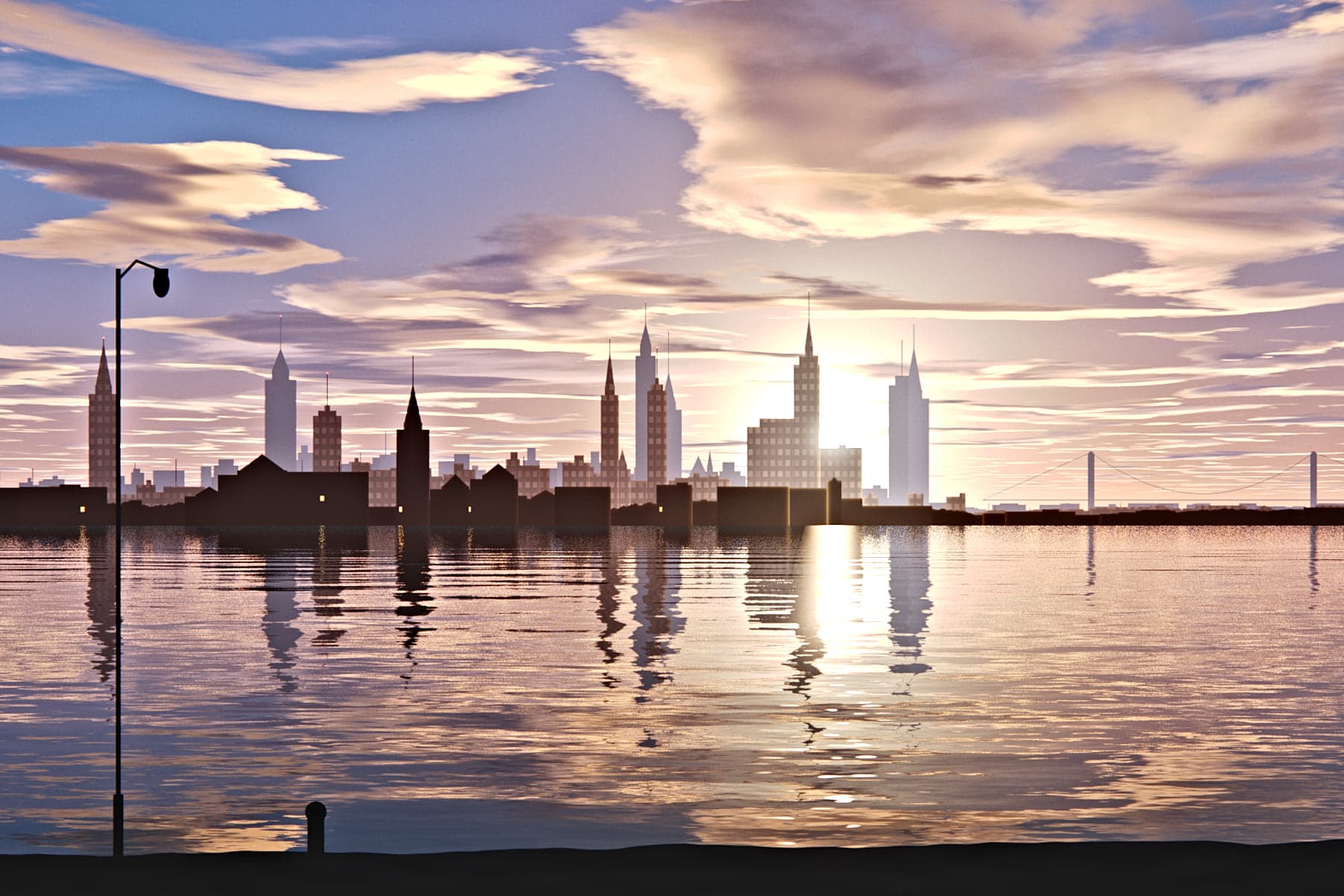
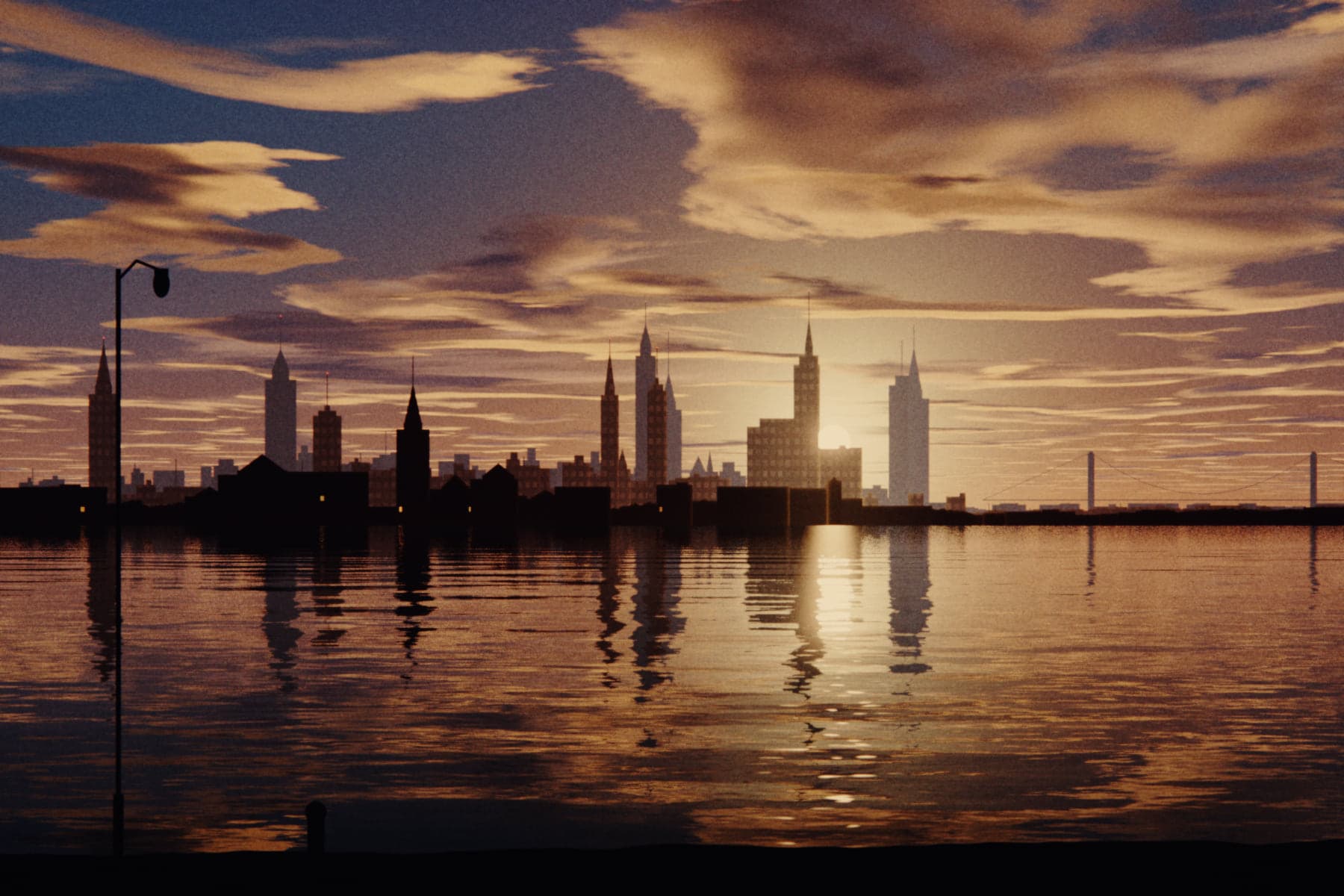
Golden
The signature print. Deeper blacks, warm paper, a soft glow.
- Grain
- 0.30
- Bloom
- 35
- Halation
- 0
Sample frame · looks shown are illustrative
Blend the look in and out. The RAW underneath never changes.
Scroll is the dial
Exposure,
then the look.
03 · Type
Old type,new photos.
32 typefaces from 1832 to 1894. Straight, on an arc, round a circle, or along any curve you draw.
32 typefaces
1832 – 1894 · scroll →
04 · Grain
Grain youcan feel.
Dial the amount. Dial the size. Lock it to the pixels.
Zoom in and watch: pixel grain stays as fine as the screen, scaled grain grows with the picture. Halation and bloom live in the same Texture tab.
05 · Print shop
Theprint shop.
Mats, borders and instant cards. Date stamps, light leaks and dust. Build one, then download it.
Frame
Card
Paper
Look
Built in your browser. Nothing is uploaded. Period typefaces by Font Revival (MIT).
The full set
From negative
to print.
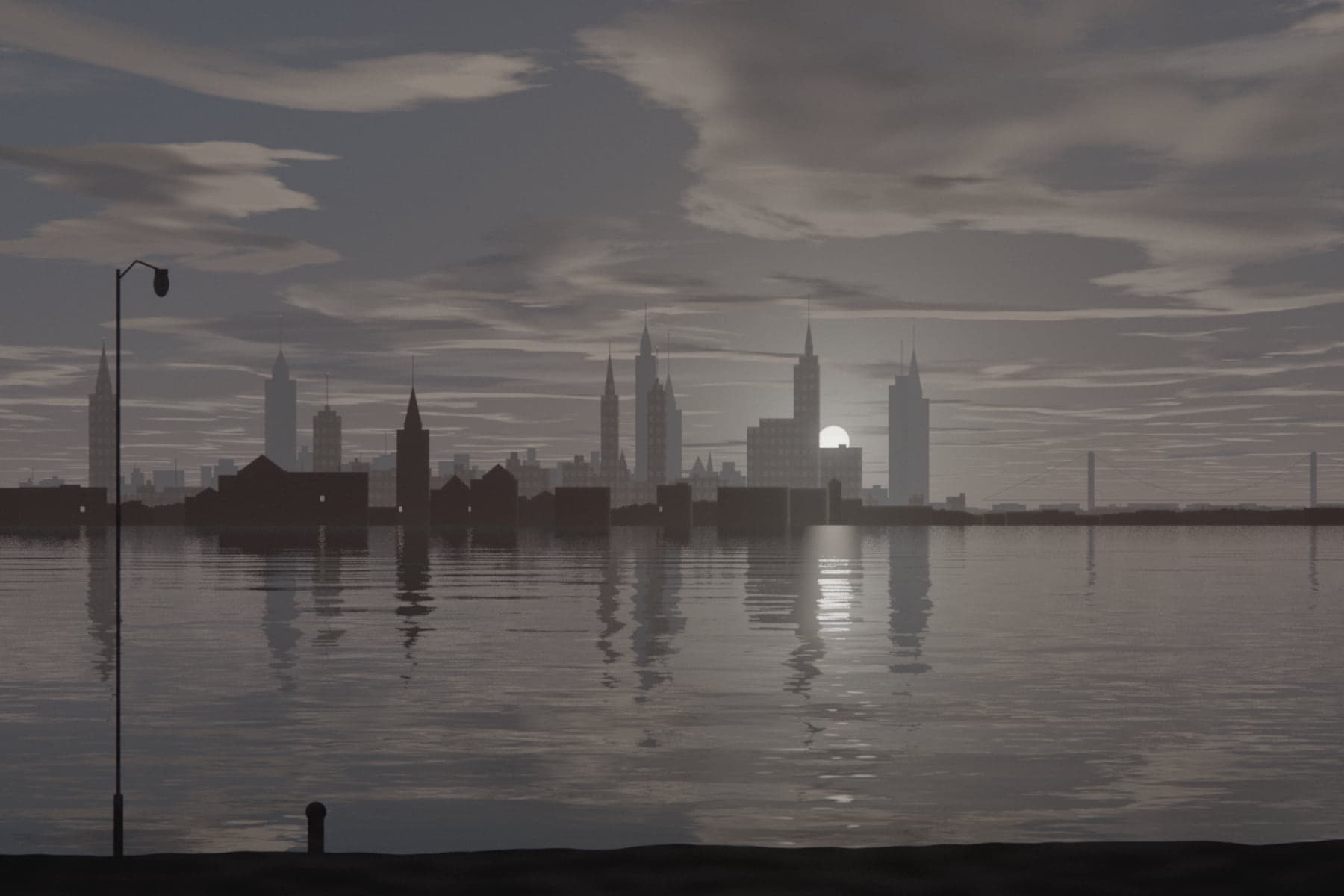
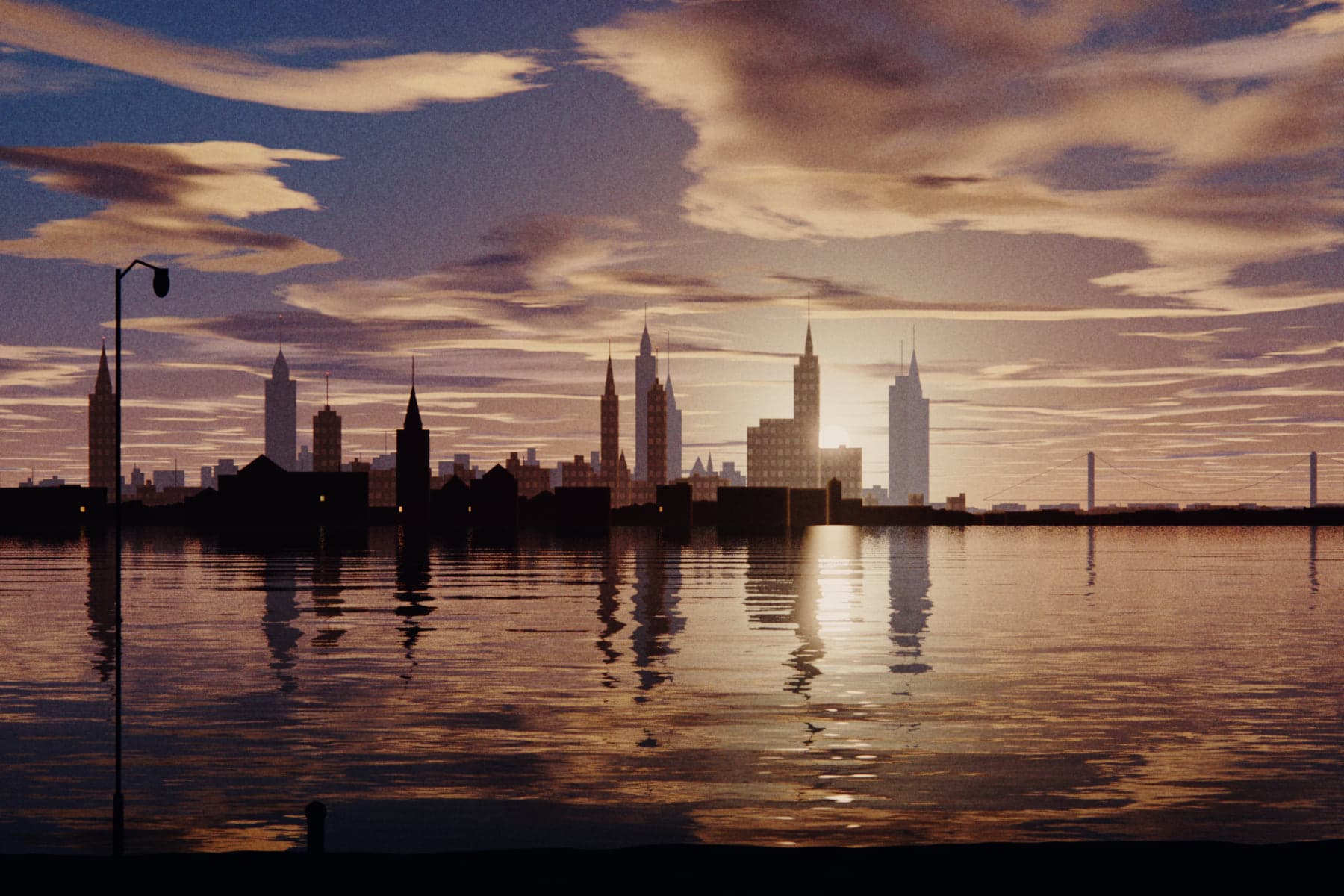
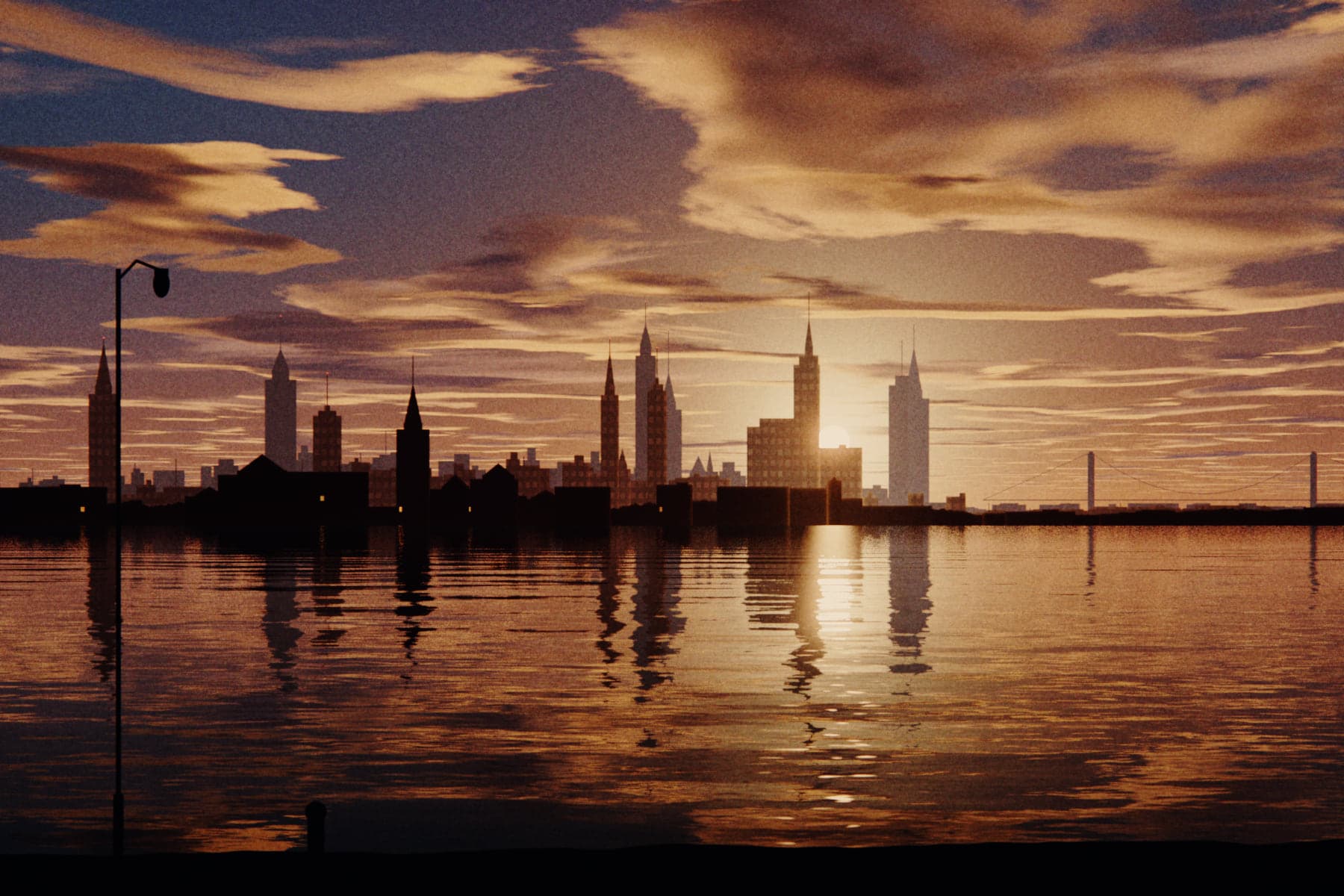
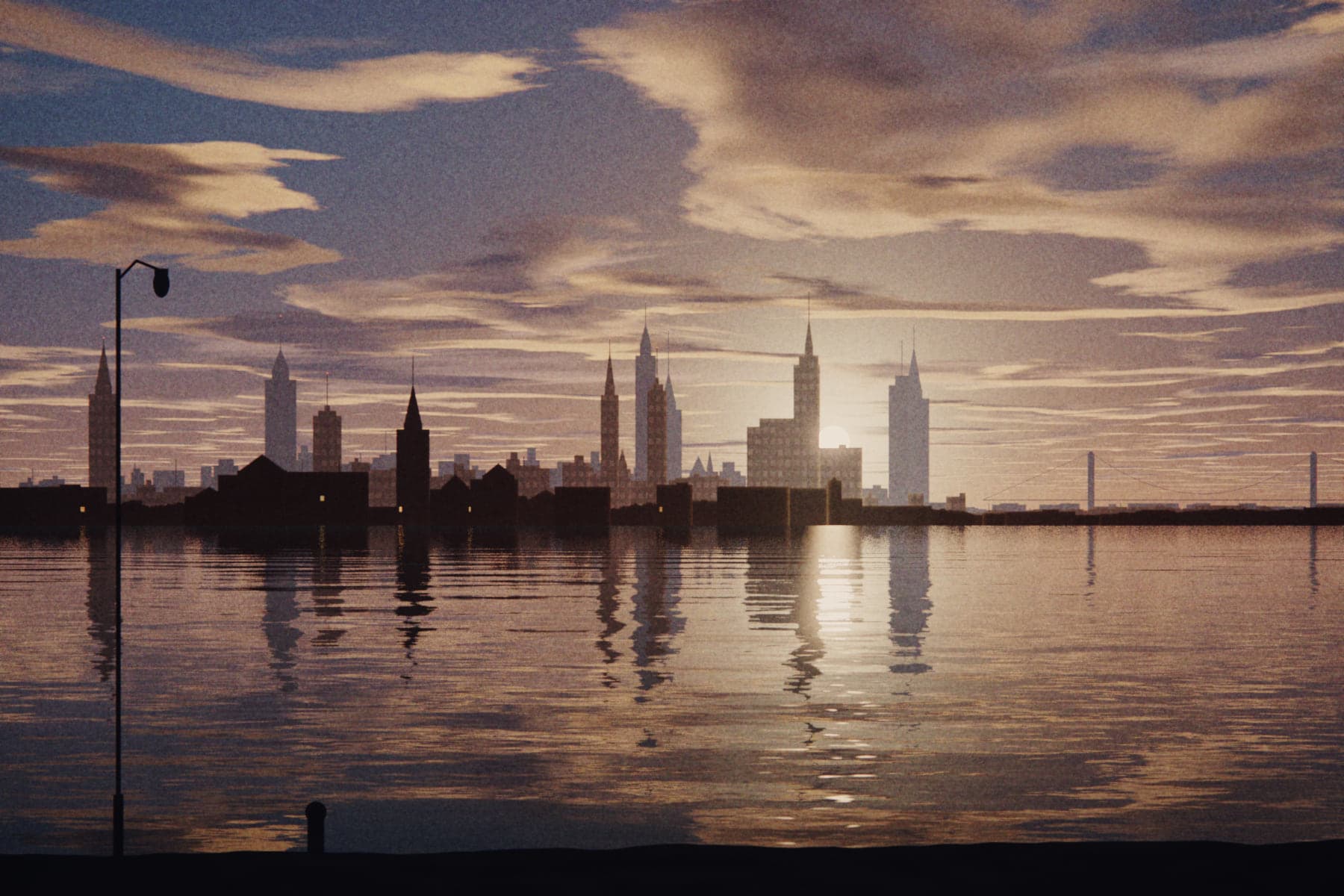
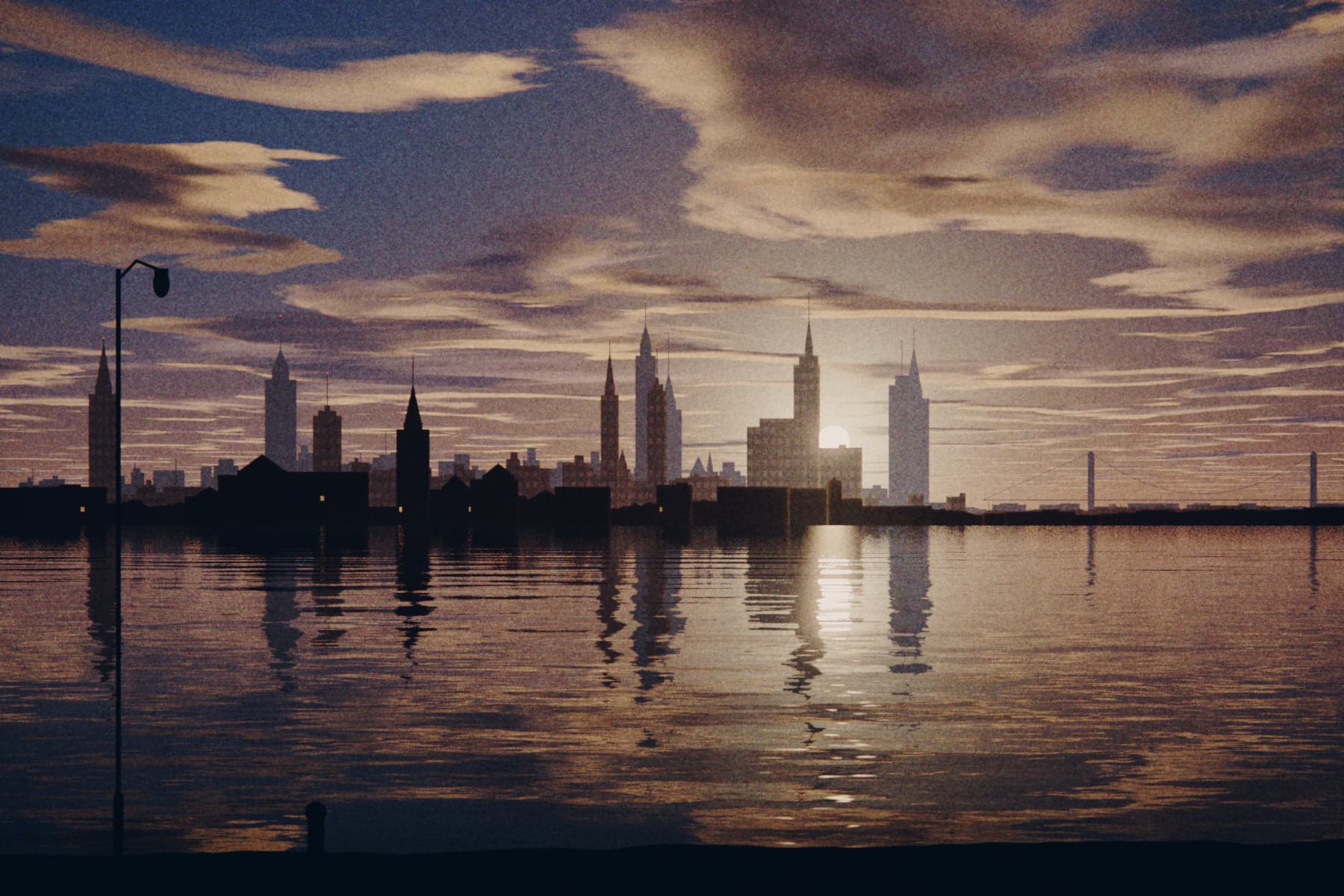
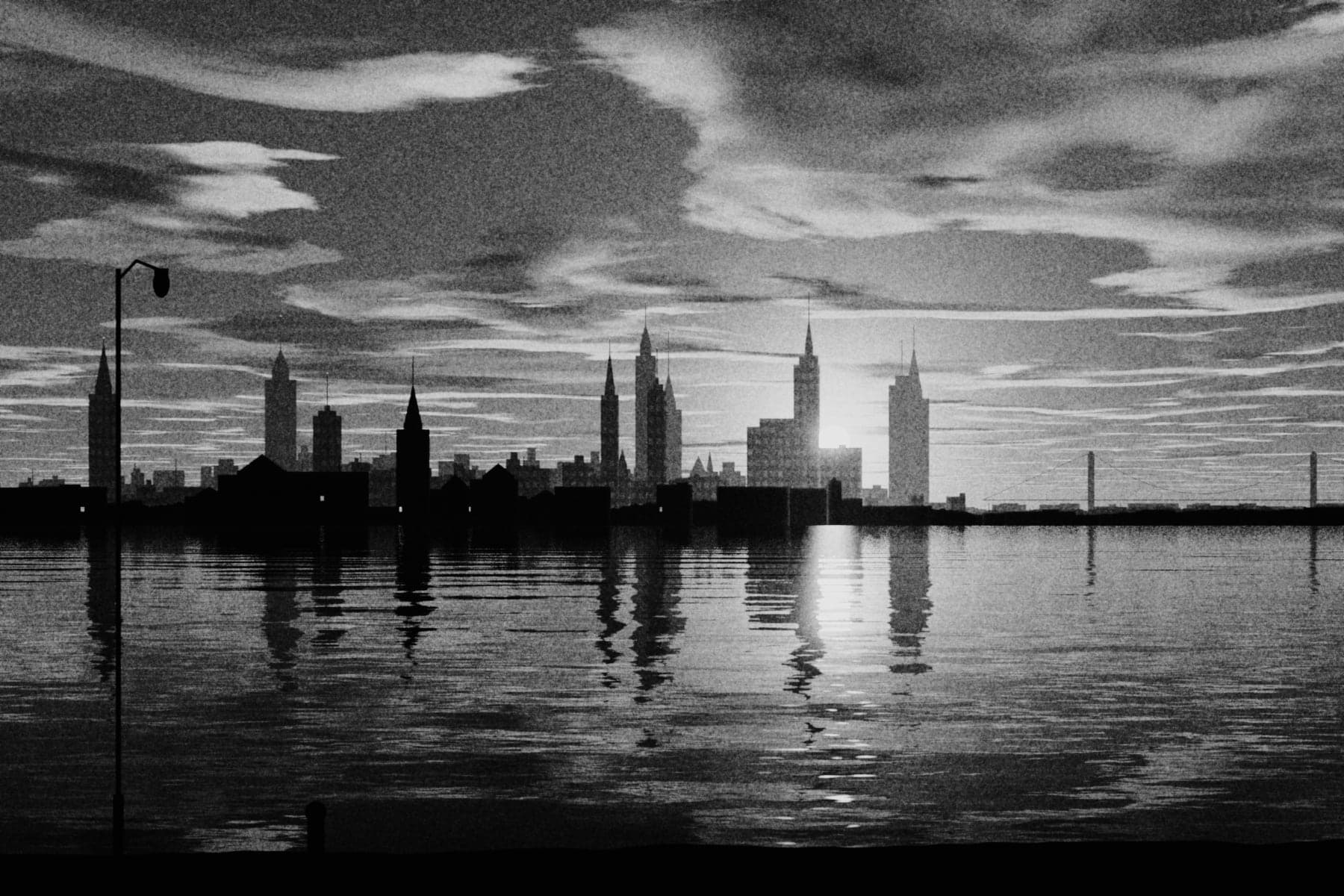
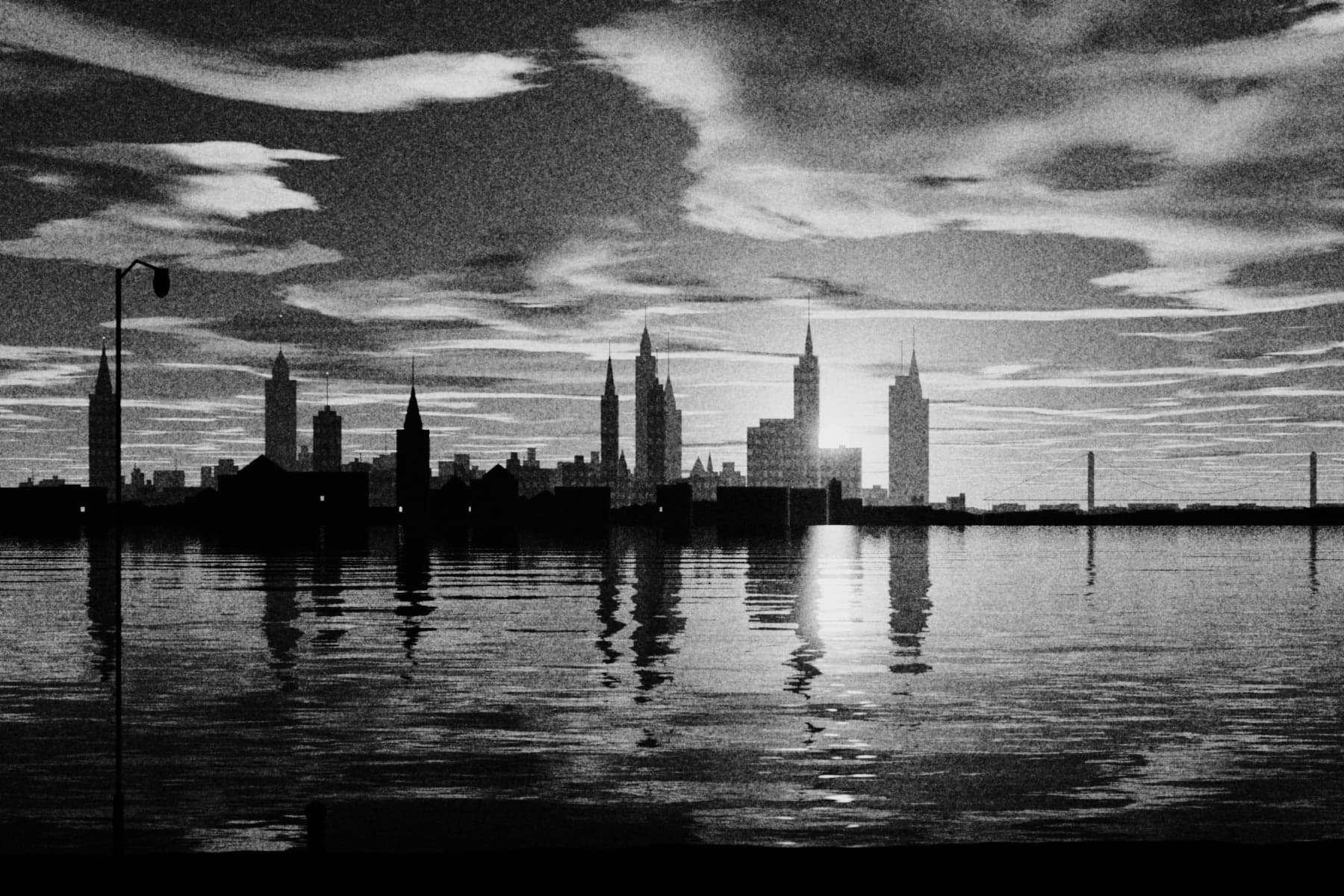
Nine frames of the same light. Swipe.Keep scrolling.
06 · Library
Keep the negative.Print it a hundred ways.
Every shot is an untouched RAW negative. Every edit is a print: a tiny recipe, never a copy.
Delete a print, keep the negative.
The RAW stays until you remove it.
A print is a recipe.
A few hundred bytes. Make as many as you like.
History goes back. Prints branch off.
Undo 100 steps, keep named versions.
{
  "negative": "IMG_0412.dng",
  "print": 1,
  "look": "Golden",
  "strength": 1,
  "grain": 0.30,
  "bloom": 35,
  "halation": 0
}
07 · The details
Built likea camera.
- 48
- MP
- ±3
- EV
- 2300–10000
- K
- 8
- looks
- 32
- typefaces
- 100
- undo steps
- P3
- HEIC · JPEG
- DNG
- negative
ProRAW, where your iPhone supports it
Exposure dial with a live histogram
White balance, by the kelvin
And as many of your own as you save
Set straight, on an arc, a circle or a spline
Plus a history of named versions
Display P3, up to full size
Export the untouched original any time
Privacy
It stays onyour iPhone.
No account.
Open it and shoot.
No cloud.
Printlight never connects to a server. Your library lives on your iPhone.
No tracking.
No analytics, no ads, nothing collected.
The details are in the privacy policy.
08 · Download
$2.99
once.
- No subscription
- No ads
- No account
- No in-app purchases
Next up: video.
What a RAW camera costs
- Most pro RAW cameras$10 – $13
- Printlight$2.99
Under a third of the usual price.
One-time App Store prices for pro RAW camera apps, US App Store, checked Oct 30, 2026. Many others charge a subscription.
Questions
Quickanswers.
Which iPhones does it run on?
Any iPhone that runs iOS 26: iPhone 11 or newer.
Do I need a Pro model?
No. Any supported iPhone shoots RAW. ProRAW needs an iPhone that supports it.
Can I use it on photos I already have?
Yes. Import from Photos or Files and give them any look.
Does a look change my original?
Never. The RAW stays untouched. A look only changes the print you make from it.
What is a negative and what is a print?
The negative is the untouched capture. A print is an edit of it: a small recipe you can branch, rename or delete without touching the negative.
What can I export?
HEIC or JPEG in Display P3, up to full size. You can also export the original negative.
Where do my photos go?
They stay on your iPhone. If you like, Printlight files saved prints into a Printlight album in Photos.
Is there a subscription?
No. $2.99, once.
What about video?
Stills first. Video is next.
iPad or Android?
iPhone only for now.
Where can I get it?
Printlight launches on the App Store in most countries and regions. The European Union isn't included yet.
How do I get help?
Email luke@lkdigitalsolutions.com or visit Support.